2026 is the year to start a HighLevel agency. You can sell funnels, websites, phone systems and AI tools to businesses, all from one platform.
I started in the trenches. Late nights, working until two in the morning, building everything from scratch. Today my company Cuantico AI has won three GoHighLevel SaaSpreneur Awards. This is the exact order I set up a brand new agency, recorded inside a real client's account (with his permission) while I built it for him.
Where do you start when setting up a HighLevel agency?
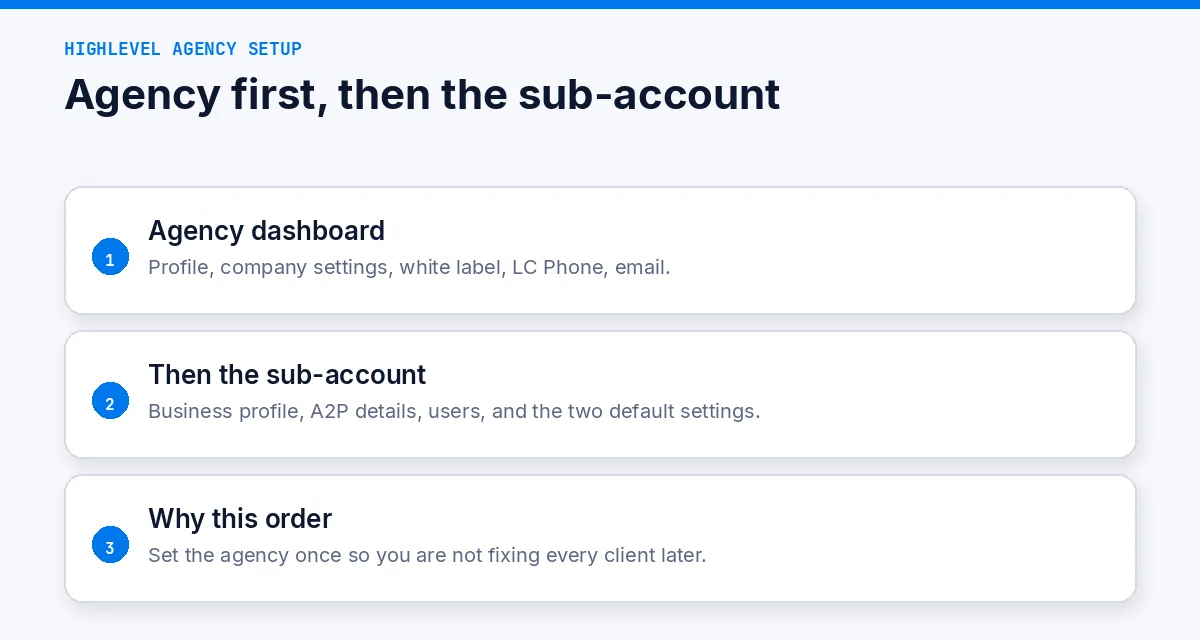
Start in the agency dashboard, not a sub-account. HighLevel has two levels: the agency view, where you manage sub-accounts, snapshots and the affiliate portal, and the sub-accounts, where each business lives. Set up your agency settings first, then build each client's sub-account. Doing it in that order saves you from fixing every account later.
Step 1: Set up your profile and company settings
In agency Settings, open My Profile and fill in the agency owner's name, email and phone. Then open Company Settings and add your agency name, company email, phone, website, business category and address. This is also where you choose which features to give clients, such as AI Employee and Workflow Pro.
Step 2: How do you white label a HighLevel agency?
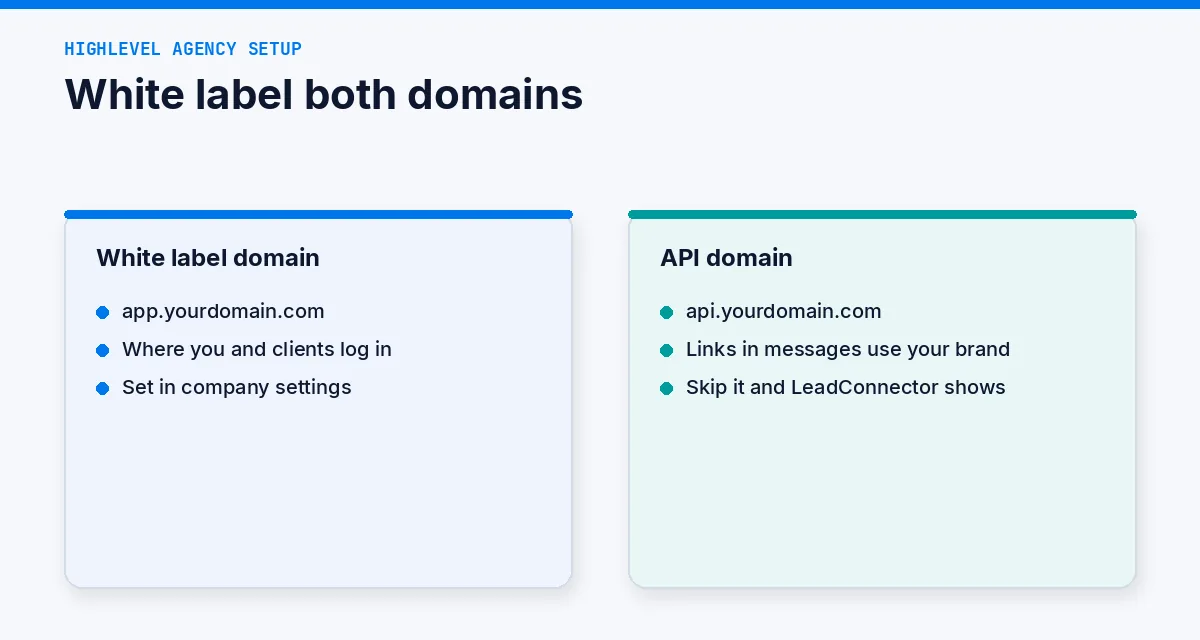
Go to Company Settings, then the white label section. Upload your logo and add your white label domain, like app.yourdomain.com, then connect it through your DNS provider. Add an API domain too, like api.yourdomain.com. If you skip the API domain, the links your system sends out show the LeadConnector domain instead of yours.
While you're there:
- Add your privacy policy and terms URLs. Use your existing ones, or build them.
- Customize the look with CSS. The custom CSS and JavaScript fields change the colors, buttons and overall look of the platform. I had Claude write ours and turned my agency blue. Ask ChatGPT, Claude, Grok or whatever tool you use.
- Or just pick light or dark. HighLevel comes with both. No code required.
Step 3: Pick your workflow builder
HighLevel has two workflow builders: the standard builder, which is linear, and the advanced builder. If you're just starting, use the standard builder. You can move to the advanced builder once you're comfortable.
Step 4: Should you use LC Phone or Twilio in HighLevel?
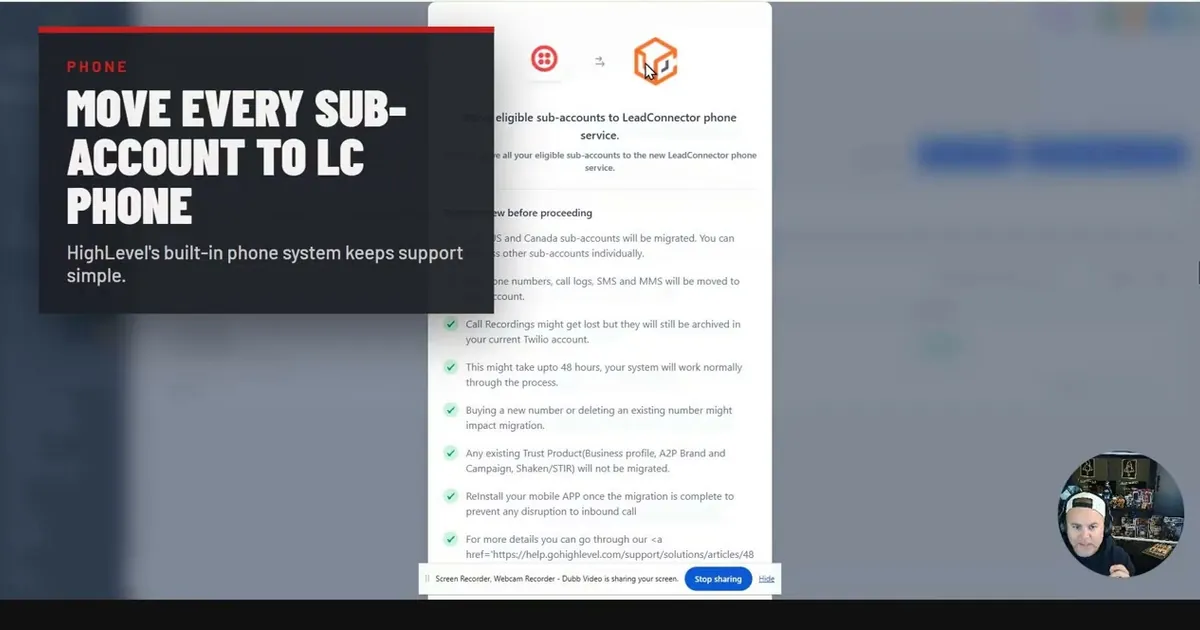
My recommendation is LC Phone right out of the gate. LC Phone is HighLevel's own phone system, built on Twilio, and it makes support and management a lot easier. In agency settings you can switch all sub-accounts to LC Phone in one click. Then set your defaults for new sub-accounts, like number intelligence, call recording and call transcription.
A few more phone settings to know:
- Messaging ramp. New accounts start at about 100 text messages a day. You can request increases over time, up to around 1,500 a day.
- A2P. You can let sub-account users submit their own A2P registration.
- Email notifications. Send agency notifications to up to five email addresses.
Step 5: Set up your agency's dedicated email domain
Everyone starts on HighLevel's shared sending domain, which is a shared IP that everybody uses. Set up your own dedicated domain for the agency under Email Services so everything sends from your domain. Each sub-account can also create its own. HighLevel's email service runs on Mailgun, and you can connect your own Mailgun SMTP if you want.
You can also turn on email verification for each sub-account. You're billed for it, and you can rebill the client. Full walkthrough: How to Set Up a Dedicated Email Sending Domain in HighLevel.
Step 6: Add custom menu links and other agency extras
Custom menu links put your own tools right in the HighLevel menu. My agency runs AI calling, so we added a custom menu link to our calling tool inside client accounts. You'll also find private integrations (your API) and domain purchases in agency settings.
Step 7: How many sub-accounts do you get on each HighLevel plan?
The starter plan includes up to three sub-accounts, and your first one is usually your own agency. The next plan up gives unlimited sub-accounts. The top plan adds SaaS mode, which lets you mark up your cost per text and per email. Check HighLevel's pricing page for current plan prices and limits.
Step 8: How do snapshots work in HighLevel?
A snapshot is a saved copy of an account's assets that you load into a new sub-account. Use HighLevel's pre-built snapshots, buy one, grab free ones from the community, or build your own. My advice: start with a template, customize it, make it your own, then sell it. It's way easier than starting blank.
To use one:
- Create a sub-account and choose your imported snapshot, or start blank.
- Forgot the snapshot? Open the sub-account, go to Actions, then Snapshot Actions, and load it.
- Be careful with snapshot pushes. A client of mine customized my snapshot, then we pushed a refresh and it overwrote all their work. Check before you push.
Step 9: What can you resell from HighLevel?
In each sub-account's settings you can set usage limits, like users and contacts, and turn features on or off. You can also set your own price on add-ons and keep the difference: WhatsApp, a prospecting tool, a branded client mobile app, a listings plan, WordPress, AI Employee and Workflow Pro. I have three clients on a branded mobile app right now, and I make money on every one.
Step 10: Set up the first client sub-account
Once the agency side is done, switch into the client's sub-account and open Settings, then Business Profile. Get this right, because it feeds A2P texting approval.
- Friendly business name. What the account is called inside HighLevel.
- Legal business name. Sole proprietor with no EIN: their personal name. LLC or S corp: the registered business name and EIN.
- Branded domain. Only ever a subdomain, like contracts.yourdomain.com, never their main domain. I've seen a full domain in this field mess things up.
- Physical address. It must match the legal business name. If it doesn't, A2P fails and your client can't text.
- Business type and registration. LLC or sole proprietorship. Sole proprietors leave the EIN blank or select other.
- Authorized representative. If they don't own an LLC or S corp, they aren't a CEO on this form. Set job position to other.
- General settings. I turn on merge contacts, verify email on first send, and contact deduplication by phone number.
The two settings that drive me crazy (fix them every time)
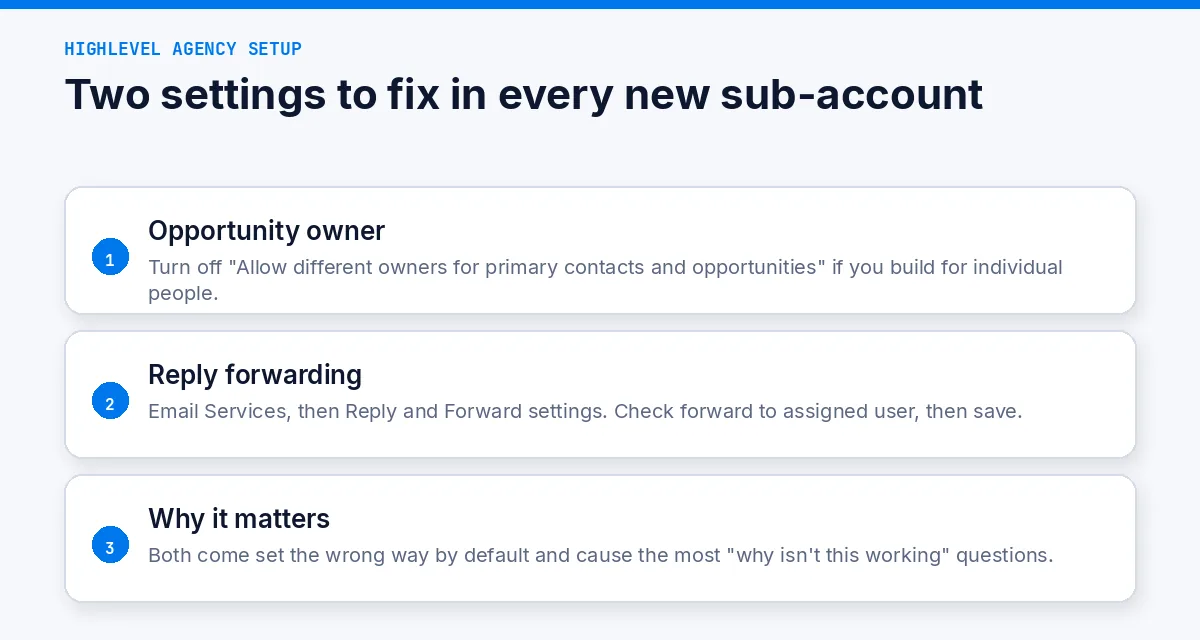
Two settings come set the wrong way in every new sub-account, and they cause the most "why isn't this working" questions I get.
- Opportunity owner. In the sub-account, go to Settings, then Opportunities & Pipelines, and open Customize opportunity settings. The toggle "Allow different owners for primary contacts and opportunities" is on by default. If you build for individual people, turn it off so the contact owner also owns the opportunity.
- Reply forwarding. Email replies don't reach the user's inbox until you go to Email Services, then Reply and Forward settings, and check forward to assigned user. Click save.
Users, Ask AI and phone numbers
Add sub-account users and choose user or admin. I usually give admin and turn off what they don't need. Turn on Ask AI, HighLevel's AI helper, so users can ask how to do things. It's pay-per-use, billed from the client's wallet, so bill them for it. To give someone their own number, buy it in the phone system, then assign it in their user profile with call forwarding and a voicemail greeting.
Then connect integrations, like Facebook and Google for reviews, and set up custom contact and opportunity fields.
I don't give out my cell number anymore. I give out my HighLevel number. Start with the basics, watch my other videos, and build it your way.